
Guest Info
Here you’ll find everything you need to know about where things are in the home and how to use the appliances with ease.
Your Homey Essentials
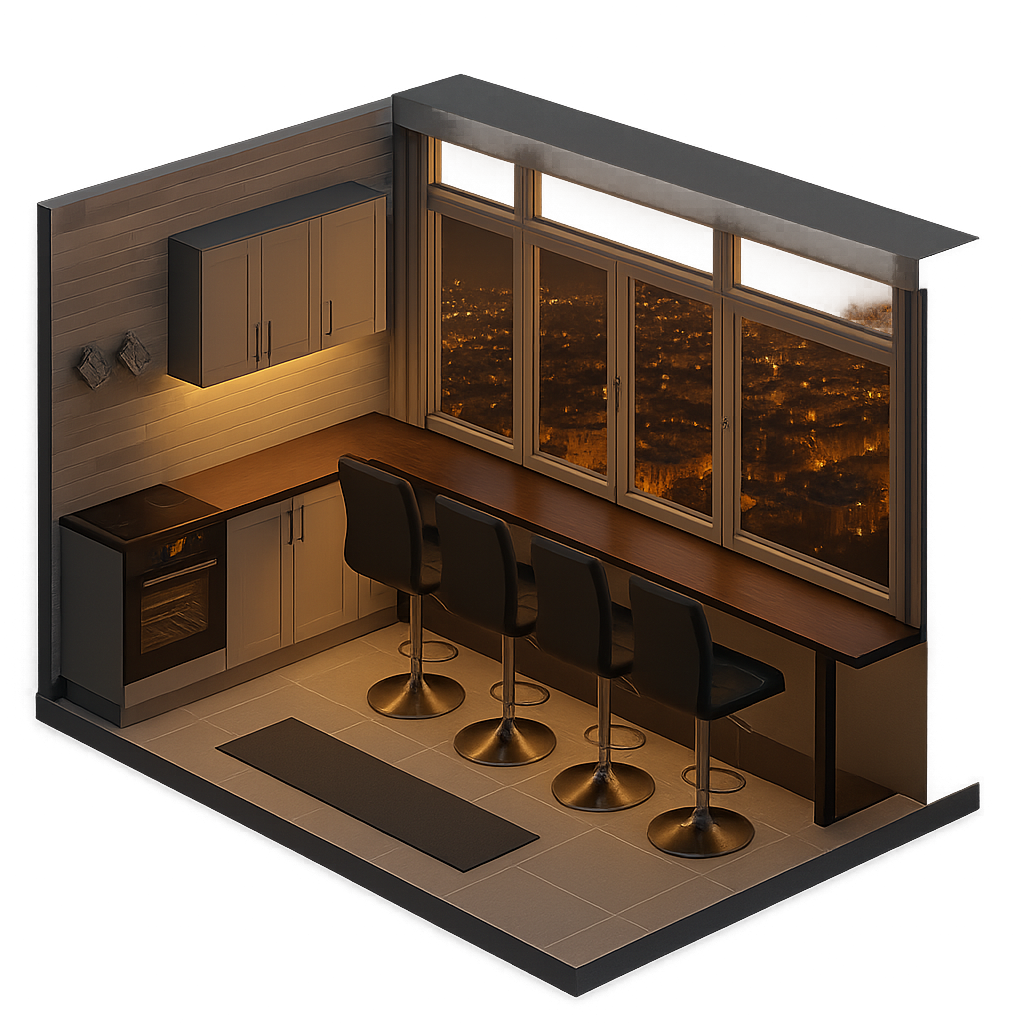
Panoramic Bar
Binocular
Located in the drawer on the right end cabinet
Cooking spices
Located in the pull-up cabinet with the oven.
Ambiant lighting
Just plug the power cord to the socket
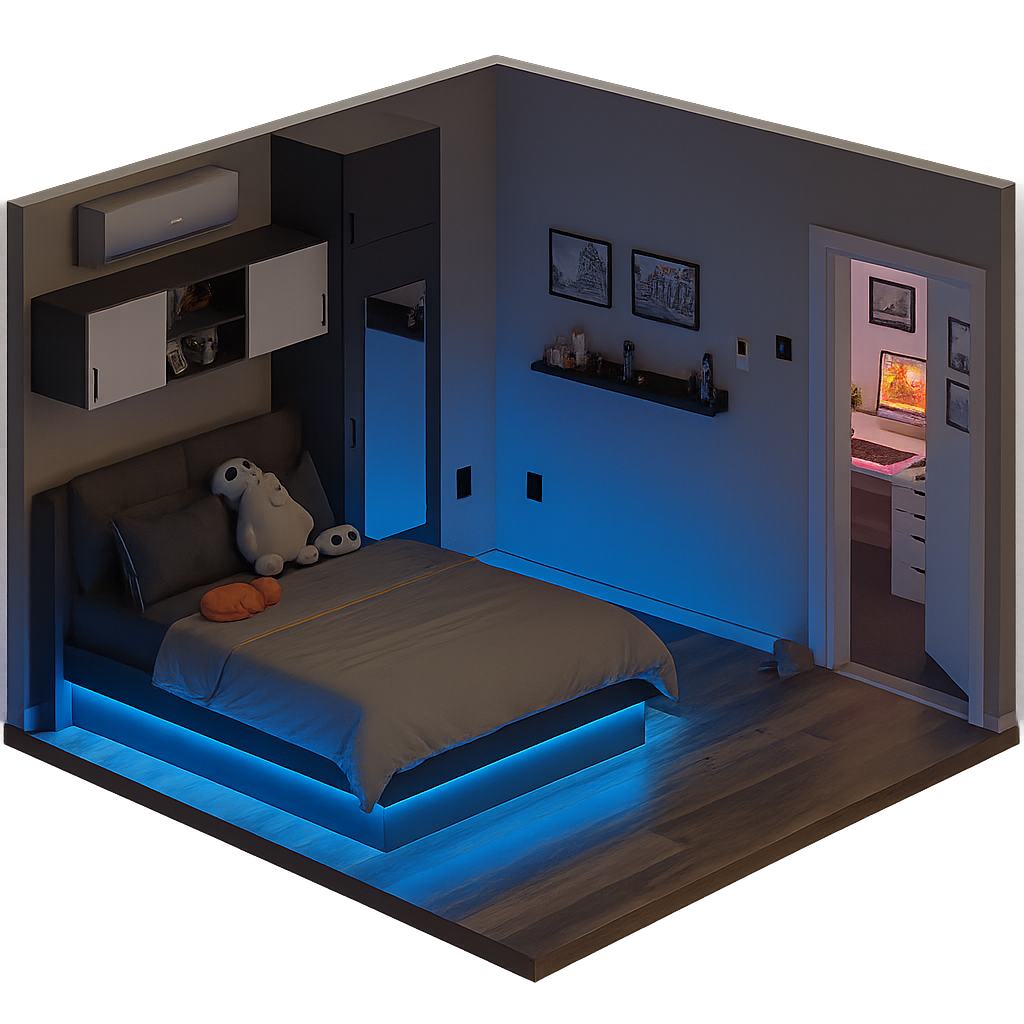
Bedroom
Iron Board
Located under the bed
Iron
Located under the bed
Vacuum Cleaner
Located under the bed
Extra Seating Chair
Located under the bed
Extra Pillows
Located inside the chest behind the headboard
Extra Covers
Located inside the chest behind the headboard
Wireless Phone Chargers
Above the chest, with Pop-up USBs
Scale
Located under the bed
Ambient Lighting
Under the bed - turn it on with the remote
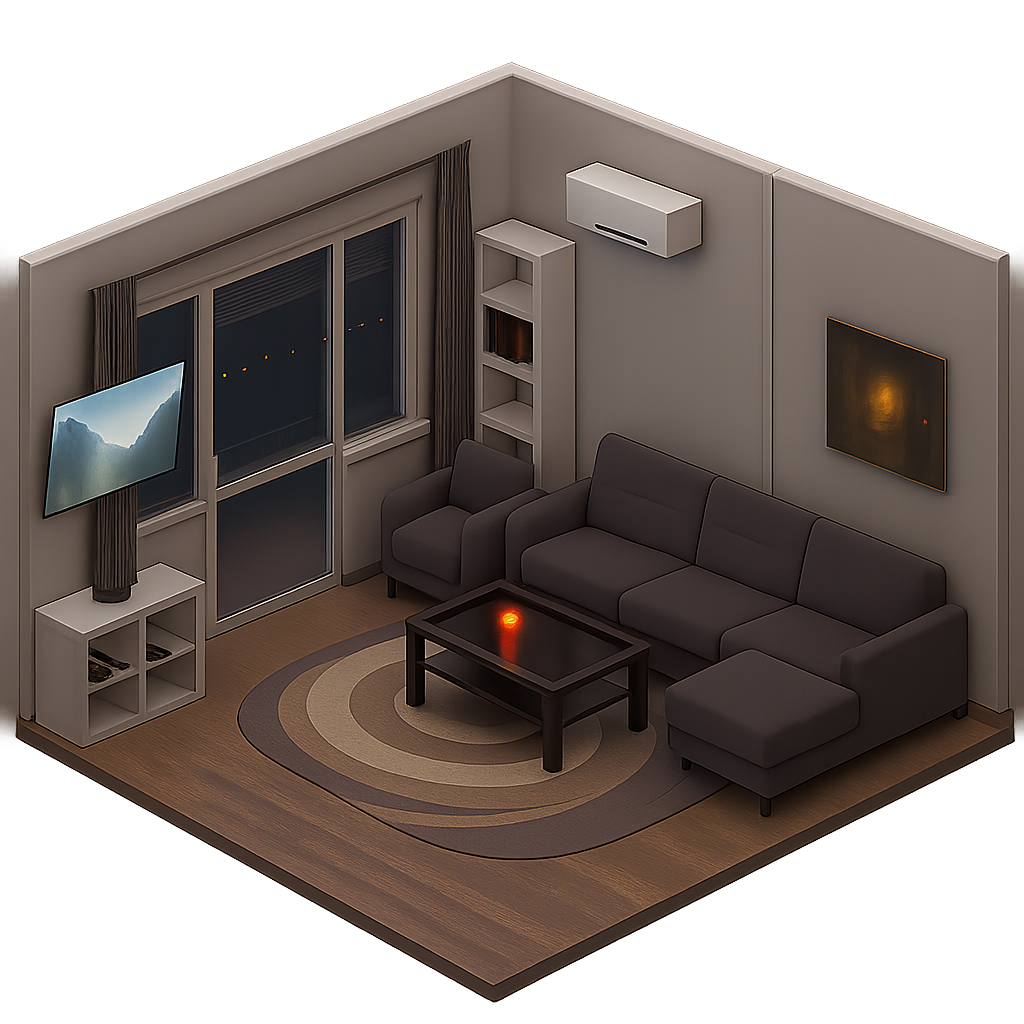
Living Room
Board games and cards
Located inside the tall cabinet
Napkins
Inside the cabinet under the TV
Serving Trays
Inside the cabinet under the TV
Scotch Tape
Located inside the chest behind the headboard
Hair Dryer
In the drawer under the TV cabinet.
Air refreshener
The cabinet under the TV
Scisors
In the right drawer under the TV cabinet
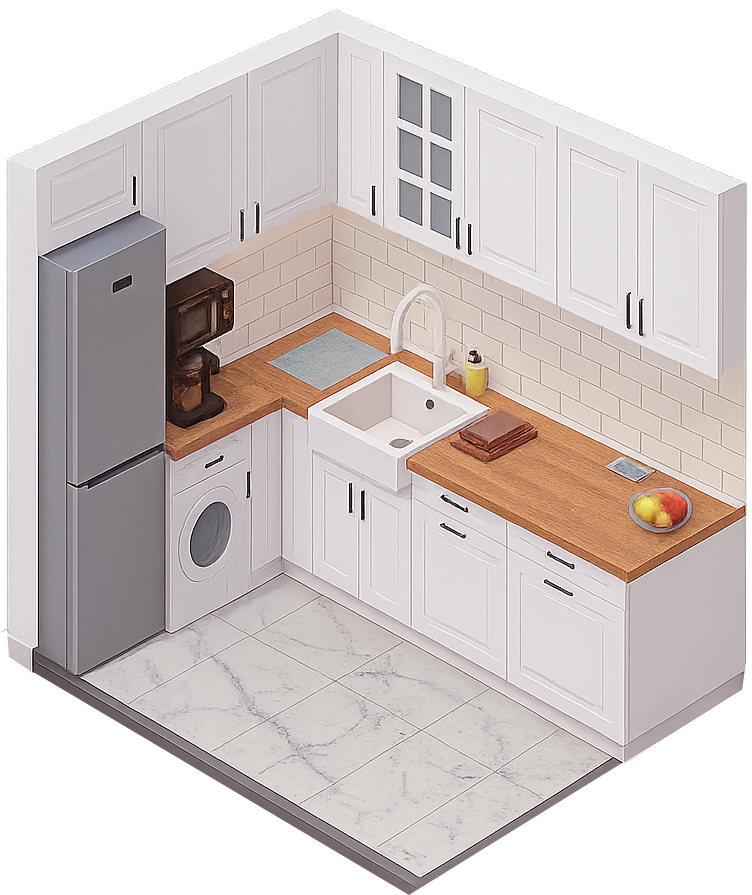
Kitchen
Cleaning supplies
Located in the cabinet above the Fridge. For safety reasons, please keep it there.
Cuttlery
Located inside the tall cabinet
Cooking Wear
Inside the large drawer on the right end of the kitchen and the large cabinet on the right.
Serving Wear
Inside the cabinet above on the left-hand side
Extra Cups
Inside the cabinet above the sink
Coffe
Located behind the coffee maker and the cabinet above.
Tea
Located behind the coffee maker and the cabinet above.
Extra AC extender
Located under in the cabinet on the back of the kitchen
Spices
Located in the pull-up cabinet and the cabinet above the coffee machine.
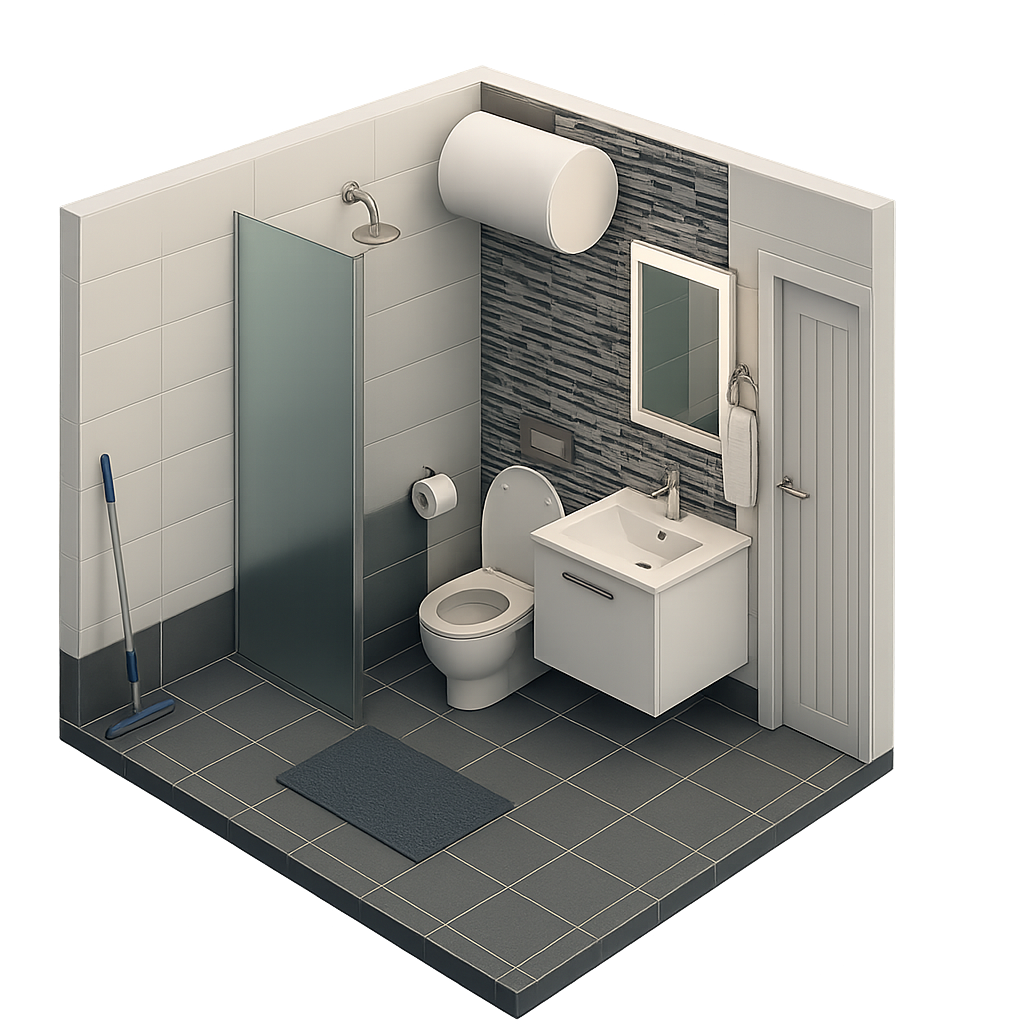
Bathroom
Mop
Located under the bed
Bucket
Located under the bed
Vacuum Cleaner
Located under the bed
Extra Seating Chair
Located under the bed
Extra Pillows
Located inside the chest behind the headboard
Extra Covers
Located inside the chest behind the headboard
Wireless Phone Chargers
Above the chest, with Pop-up USBs
Scale
Located under the bed
Ambient Lighting
Under the bed - turn it on with the remote
How to Use the Tech
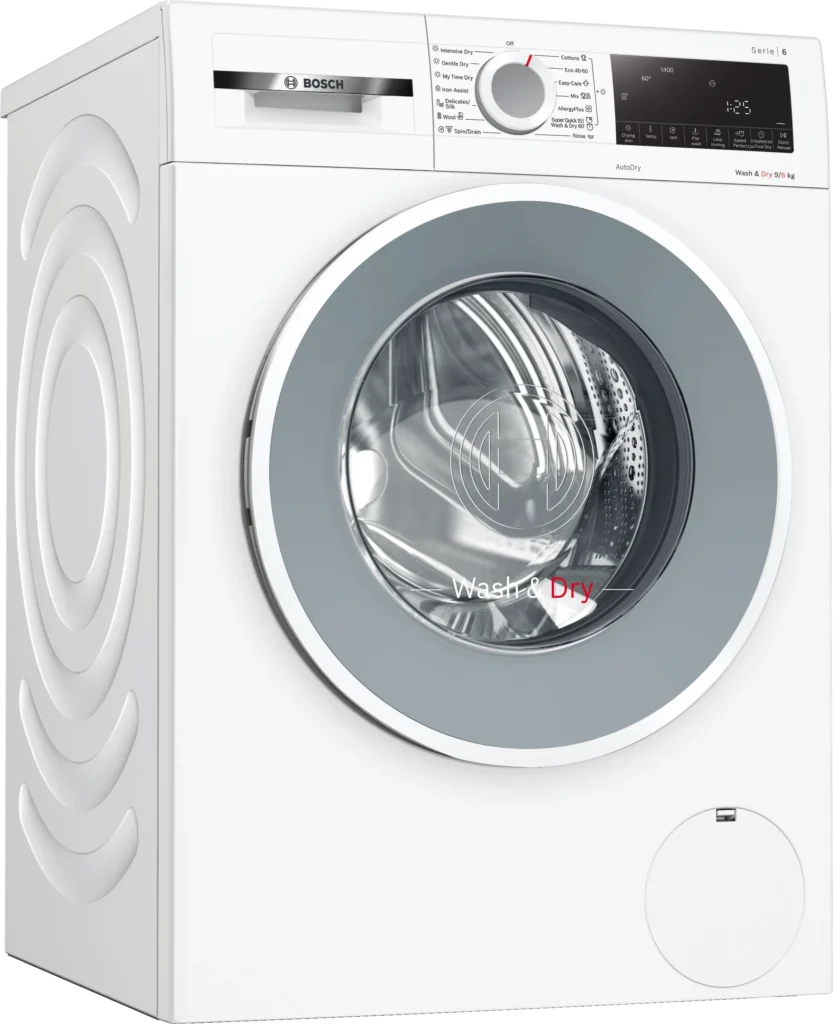
Bosch Washer‑Dryer
Front‑loading washer‑dryer (wash capacity ≈9 kg, dry capacity ≈6 kg) with a 70 L stainless‑steel drum and 2050 W connected load. Combines washing and drying in one appliance.
How to use:
- Load laundry: Check pockets, close zippers, mix items, and don’t overfill.
- Add detergent: Use HE detergent (max 1 tbsp) or 1 pack directly in the drum.
- Start wash: Close door, pick a program. Low water level is normal.
- Dry (optional): Select a drying cycle; don’t overload.
- Unload: Remove clothes right after to avoid wrinkles.
- Clean filter: Before drying, clear the lint trap for best performance.
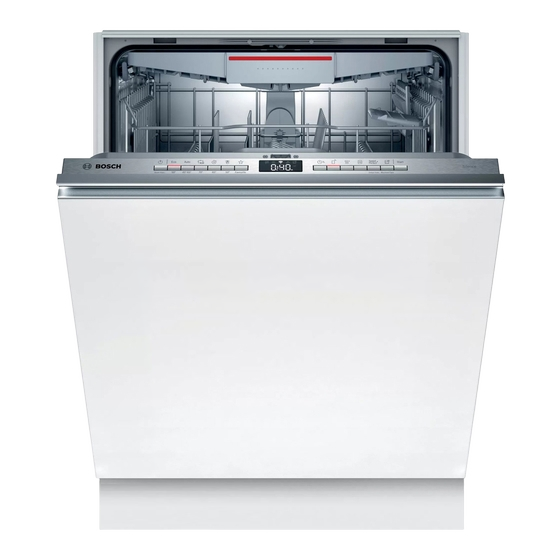
Bosch Dishwasher
Built‑in dishwasher 60 cm width with adjustable racks and a cutlery drawer, designed for full‑size loads.
How to use:
- Scrape only: Remove big scraps, no pre-rinse needed.
- Load racks: Plates/pans bottom, cups/plastics top.
- Position well: Angle dishes, mix utensils, knives down.
- Check arms: Make sure spray arms spin and dispenser isn’t blocked.
- Add detergent: Fill less than halfway, choose program, run full loads.
- Unload: Vent steam, unload bottom rack first.
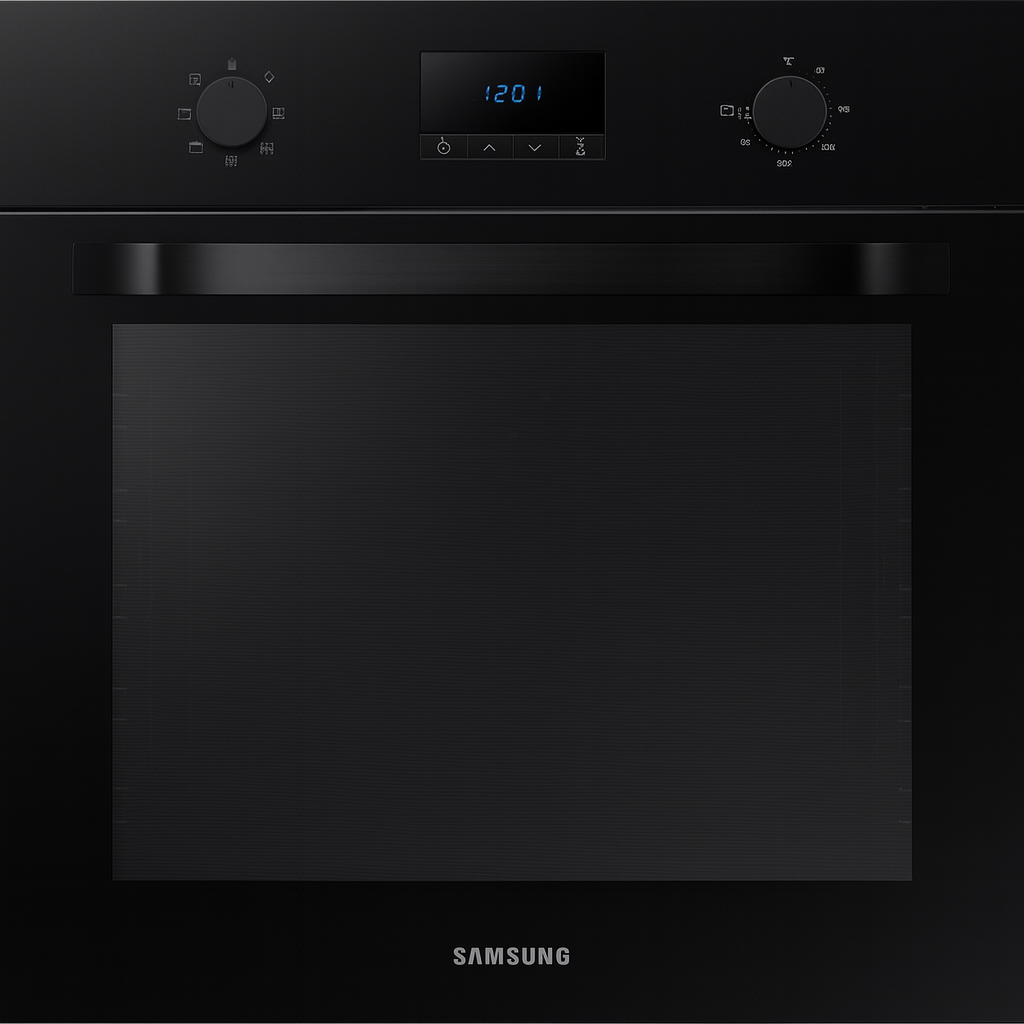
Samsung Built‑In Oven
Electric 68‑litre built‑in oven with conventional and convection (fan) modes, suitable for baking, roasting and grilling.
How to use:
- Set temp & mode: Choose temperature and cooking function.
- Preheat: Wait until oven reaches set temp.
- Rack position: Middle for most, top to brown, bottom to roast.
- Cook: Place food once preheated; stagger if using multiple racks.
- Timer: Set one to prevent over/undercooking.
- Finish & clean: Turn off, use mitts, wipe spills after cooling.
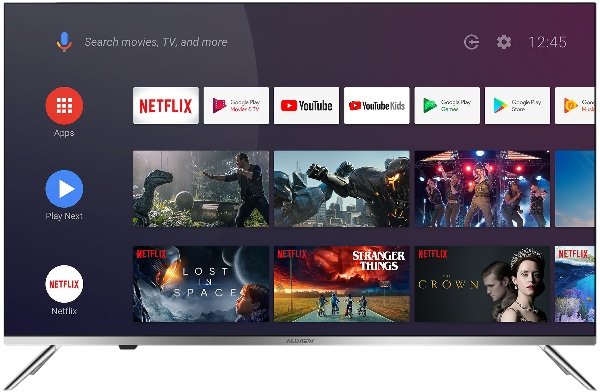
Allview 43" TV (Bedroom)
Android TV with many apps and iteractive TV. Once you turn it on choose the eON app, and enjoy high quality interactive TV
How to use:
- Turn on the TV
- Go to Home by pressing the home button on the remote
- Choose your APP
- To watch TV choose the eON APP and browse through channels
- Feel free to use your accounts, but make sure you log out before checking out
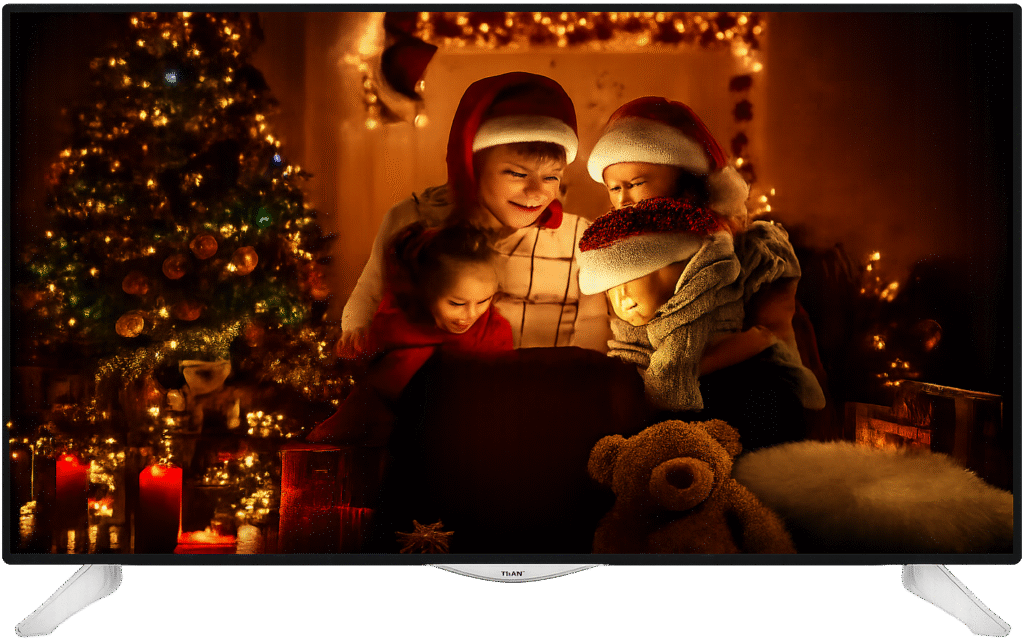
JVC 55" TV (Living Room)
55″ Smart LED TV, Full HD with HDMI inputs, Dolby Audio support.
How to use:
- Power on with the remote.
- Select input (HDMI for the eON TV Box).
- Turn on the eON TV Box
- Use the remote of the TV box to switch between channels
- Use volume/channel buttons or remote navigation.
- Turn off after use.
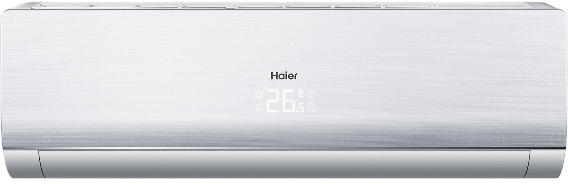
Haier FlexFit AC (Bedroom)
How to use:
- Press ON/OFF on the remote.
- Choose mode: Cool, Heat, or Dry.
- Set temperature with ▲▼ buttons.
- Adjust Fan Speed if needed.
- Turn off when leaving.
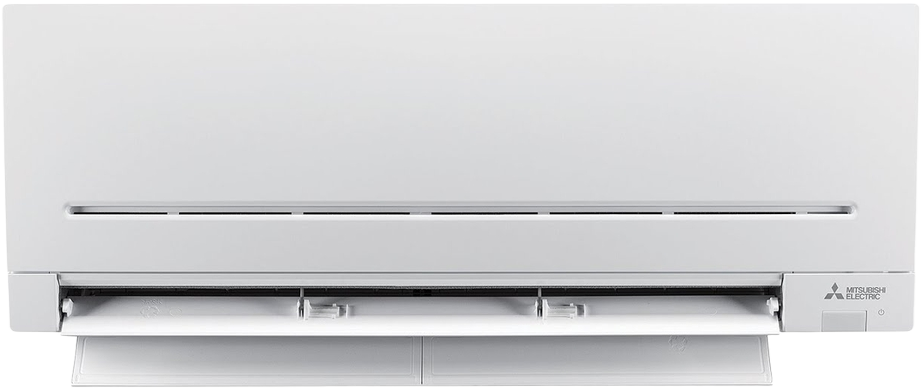
Mitsubishi MSZ
(Living Room)
How to use:
- Press ON/OFF on the remote.
- Choose mode: Cool, Heat, or Dry.
- Set temperature with ▲▼ buttons.
- Adjust Fan Speed if needed.
- Turn off when leaving.